
More Precise Positioning
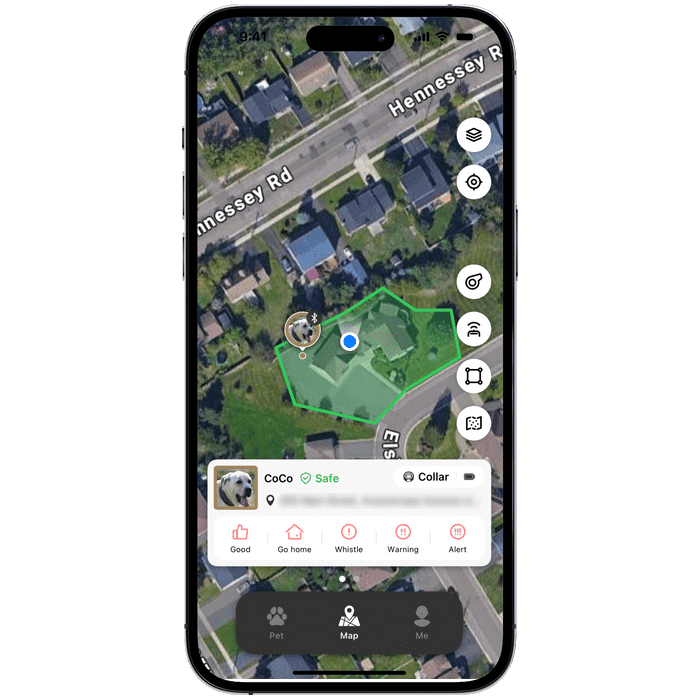
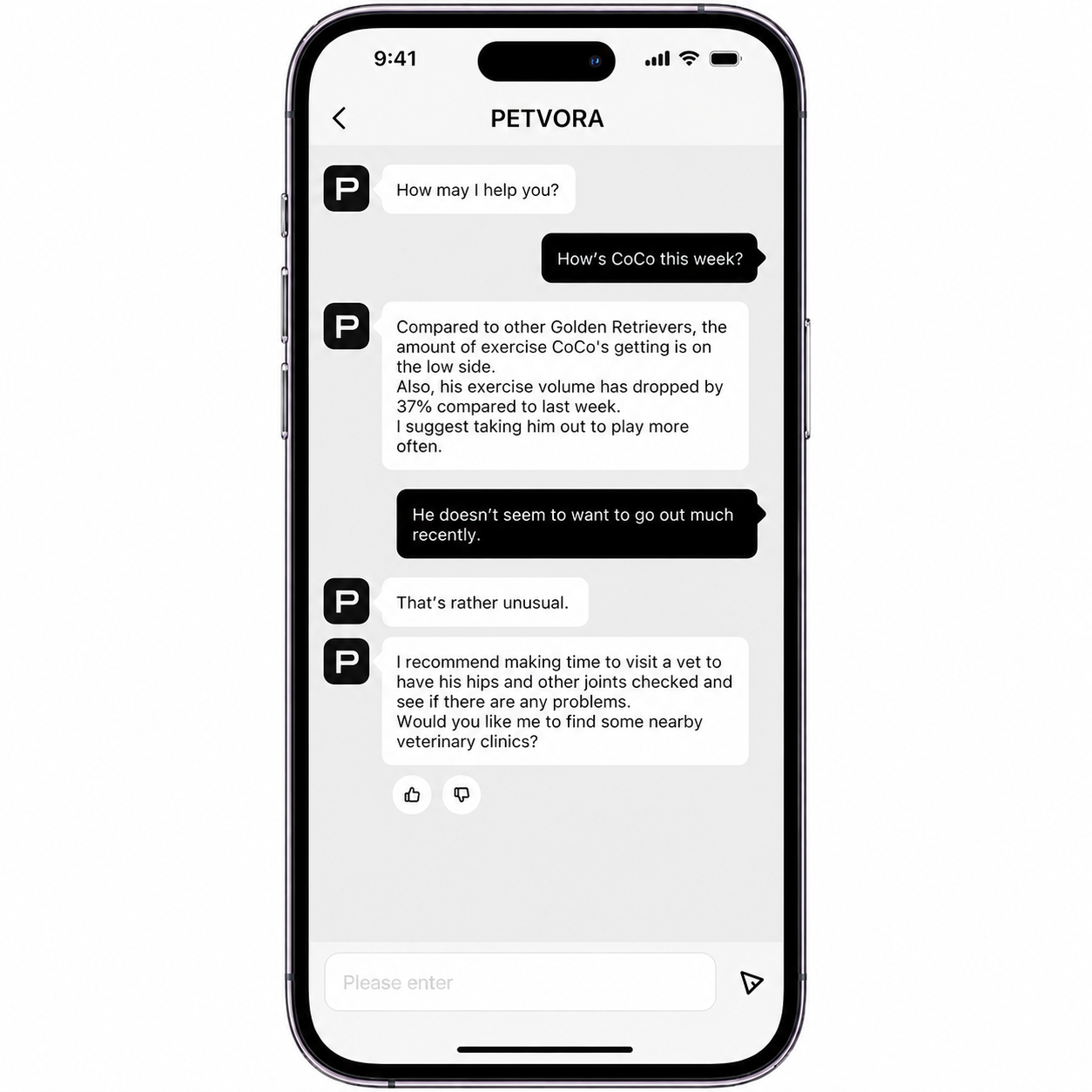
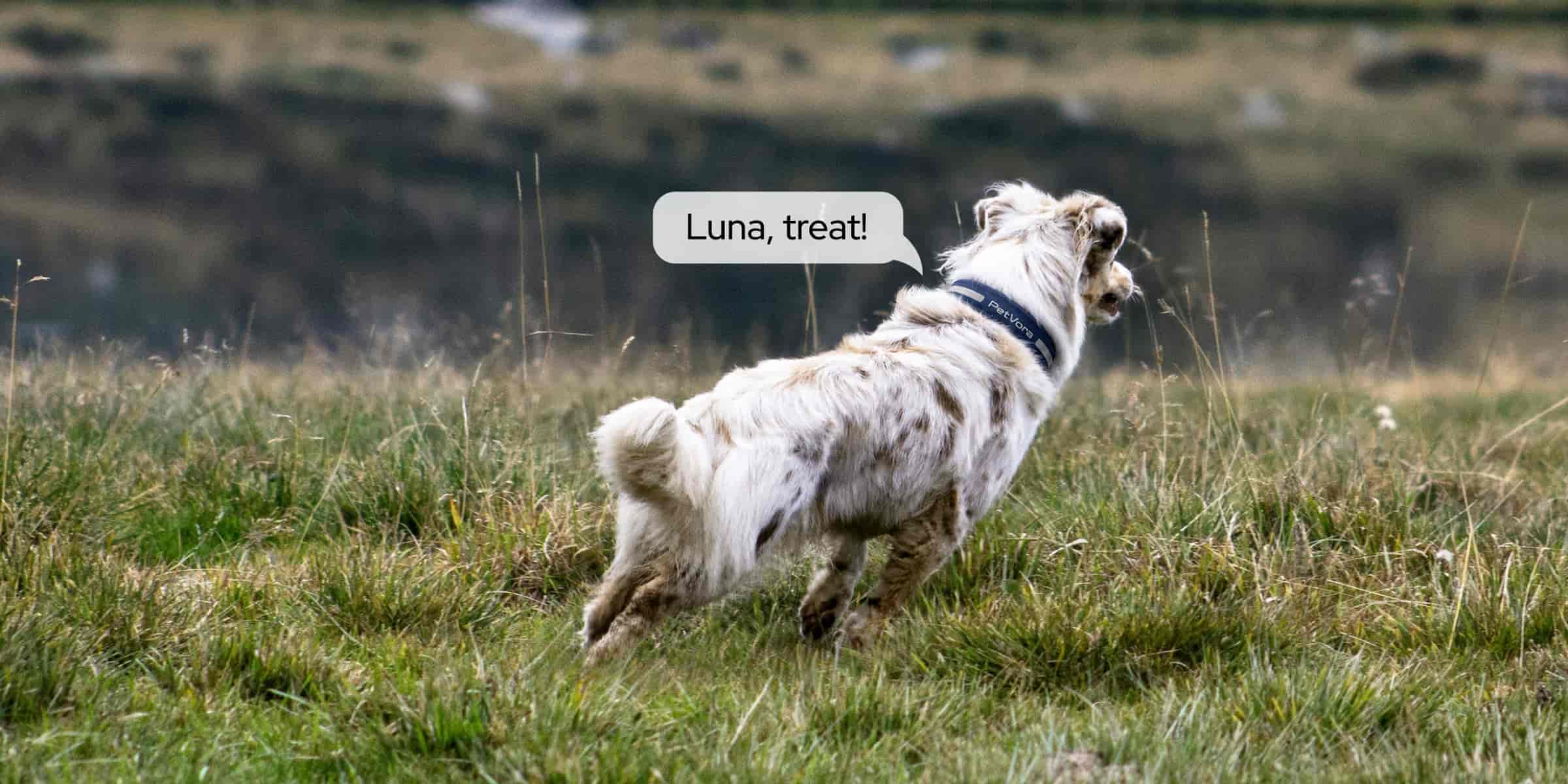
Featuring dual-antennas and dual-frequency positioning supported by five Global Navigation PetVora Systems (GNSS) for precise tracking and positioning.
Featuring dual-antennas and dual-frequency positioning supported by five Global Navigation PetVora Systems (GNSS) for precise tracking and positioning.

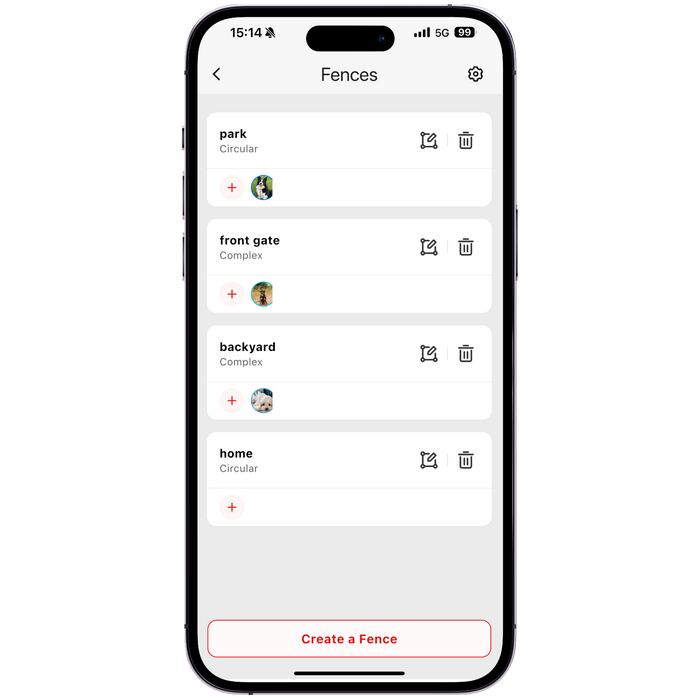
Set up fences from 0.5 to 100,000 acres instantly with no wires, no terrain limits. Create as many fences as you need, anywhere you need them.
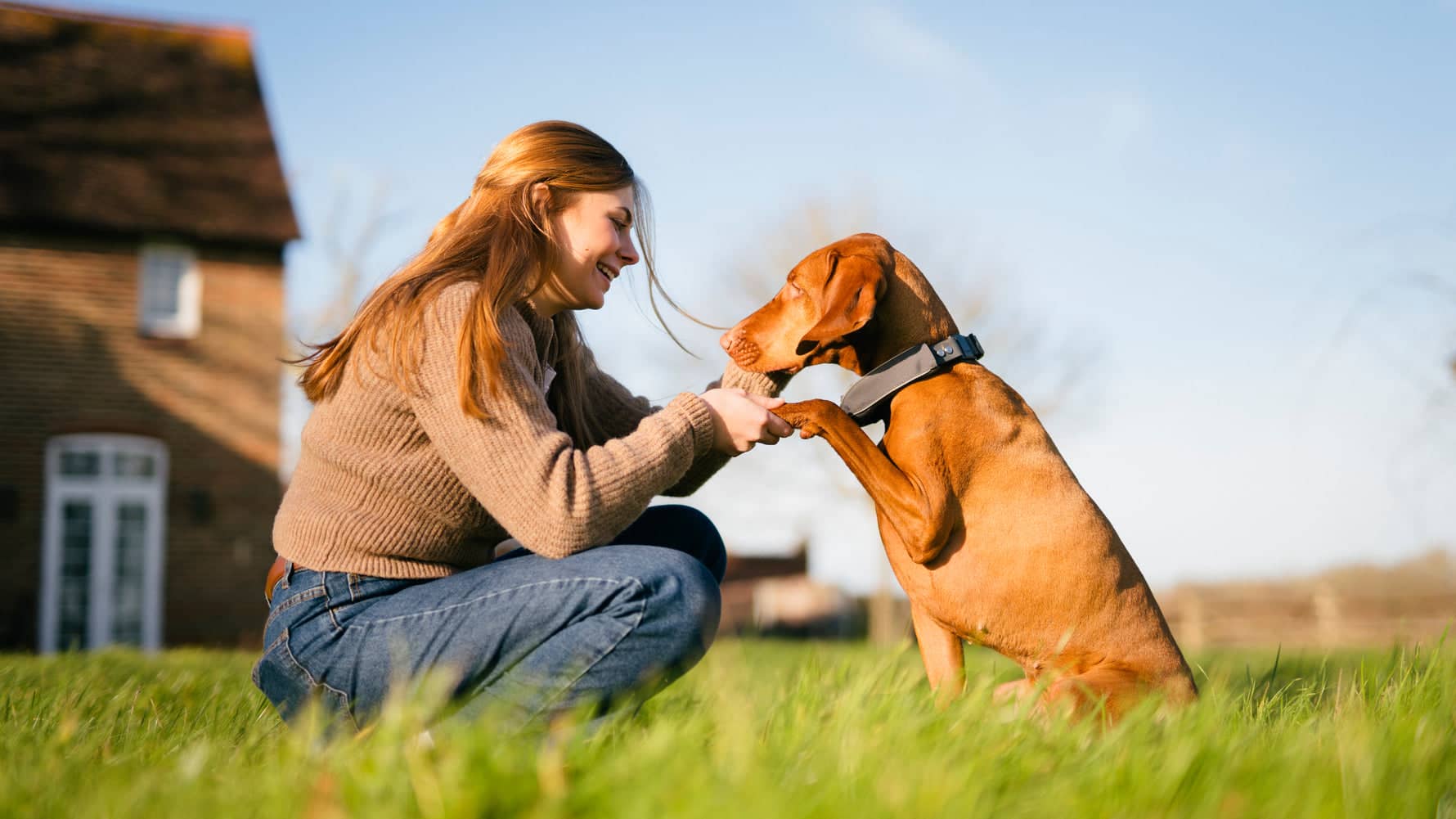
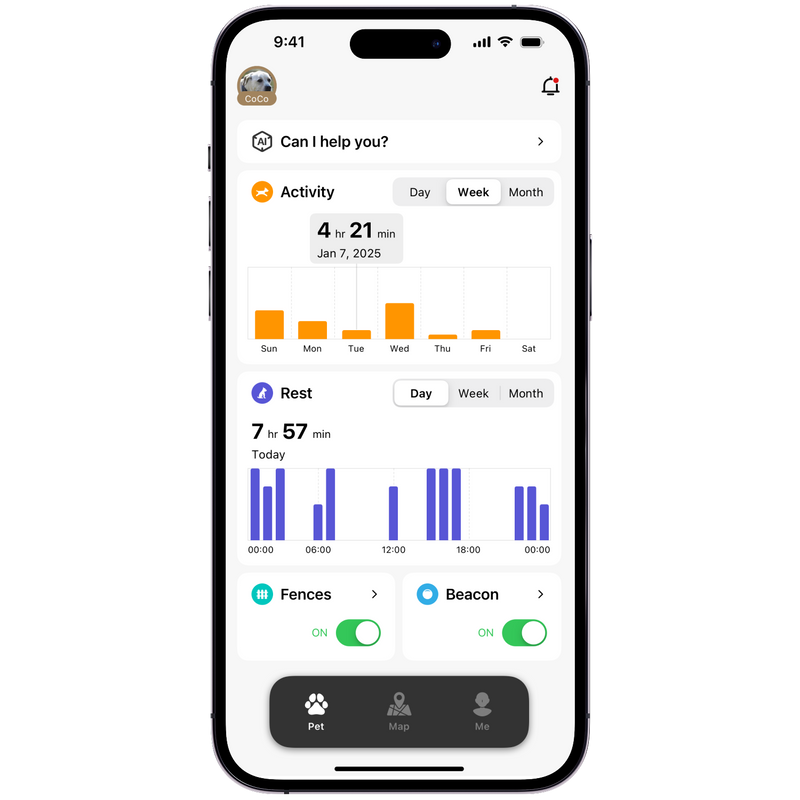
The PetVora Collar provides round-the-clock health and activity monitoring, ensuring you always know your dog's condition.
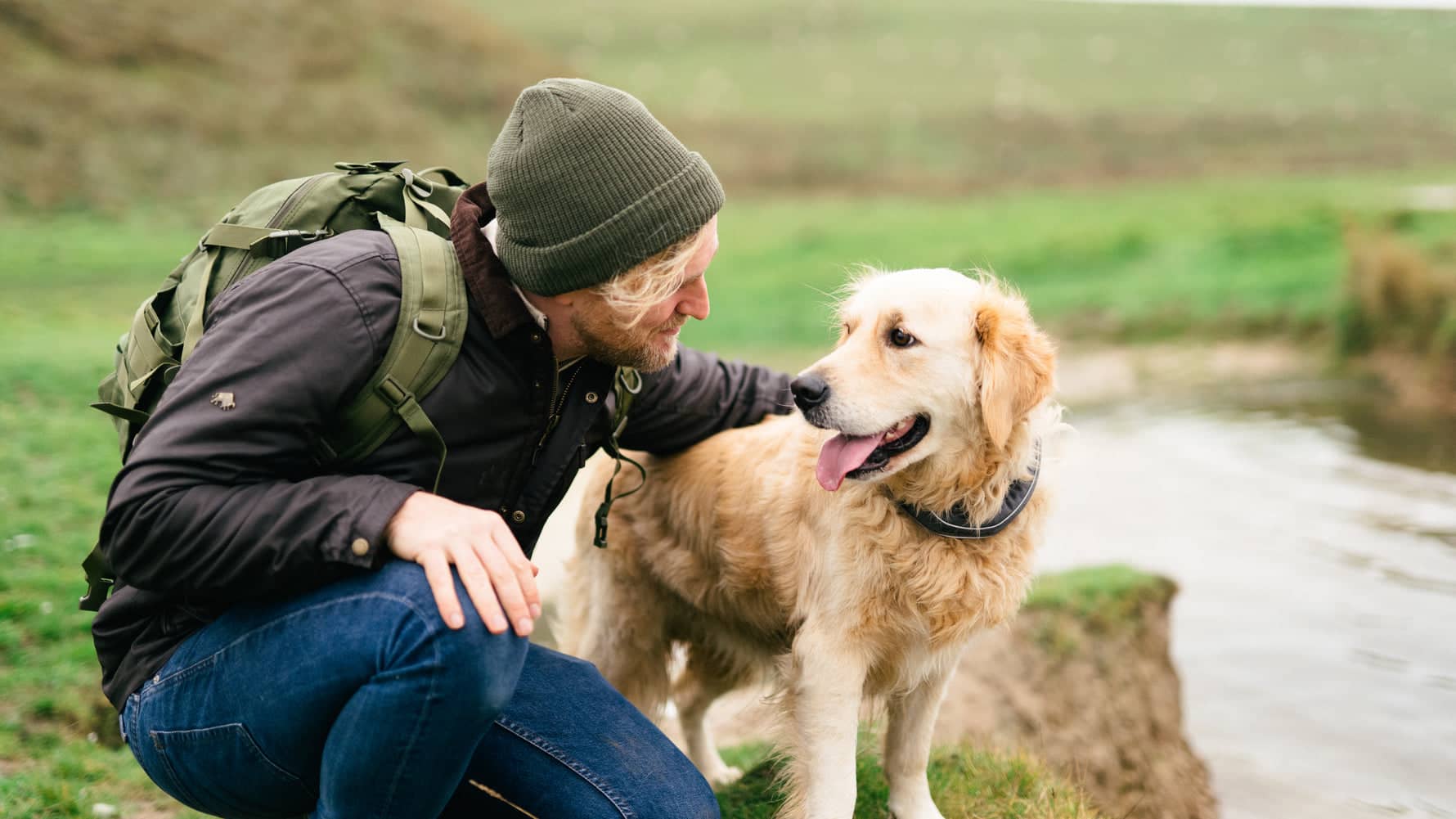
A 5-Day Max Battery Life and IP68 waterproof design keeps your fur-baby connected wherever they go.
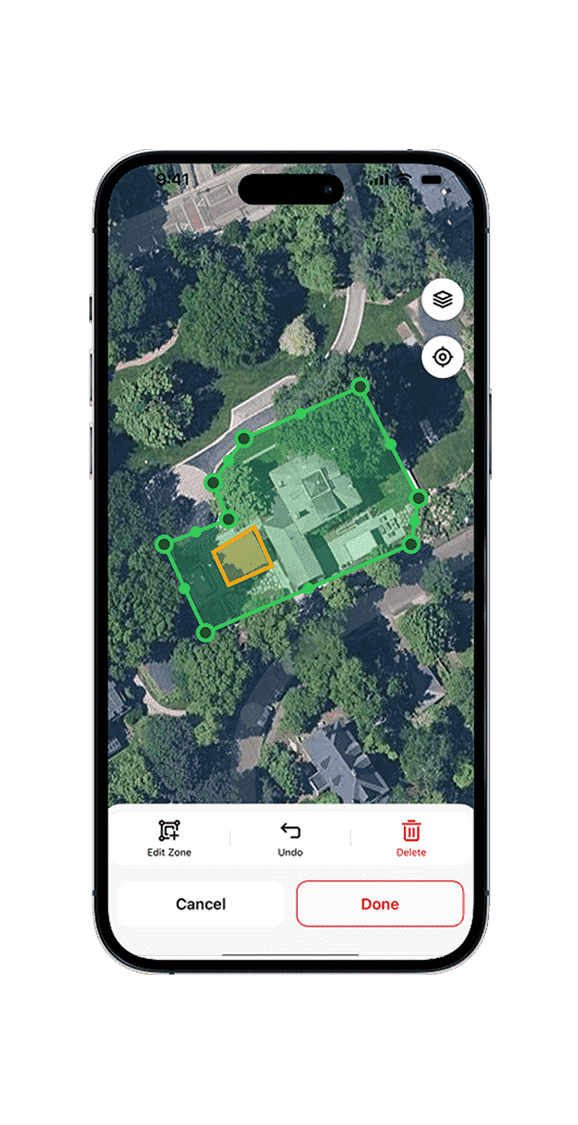
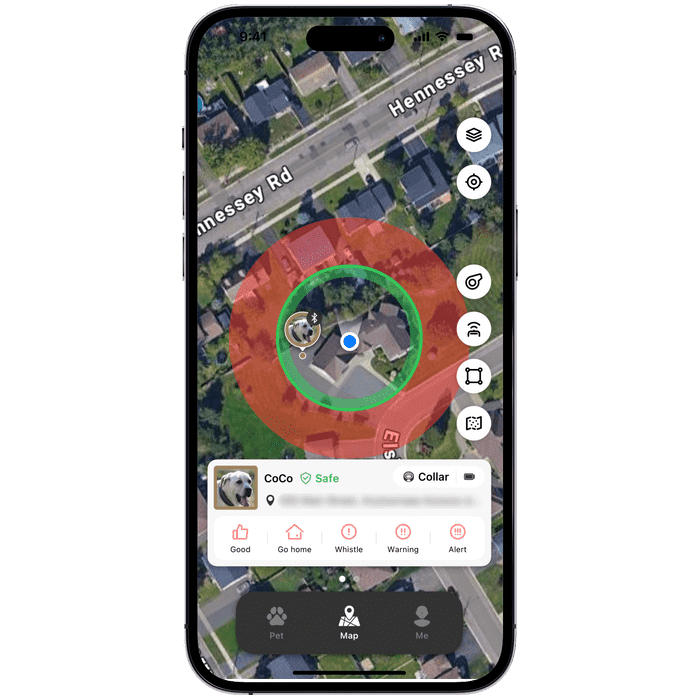
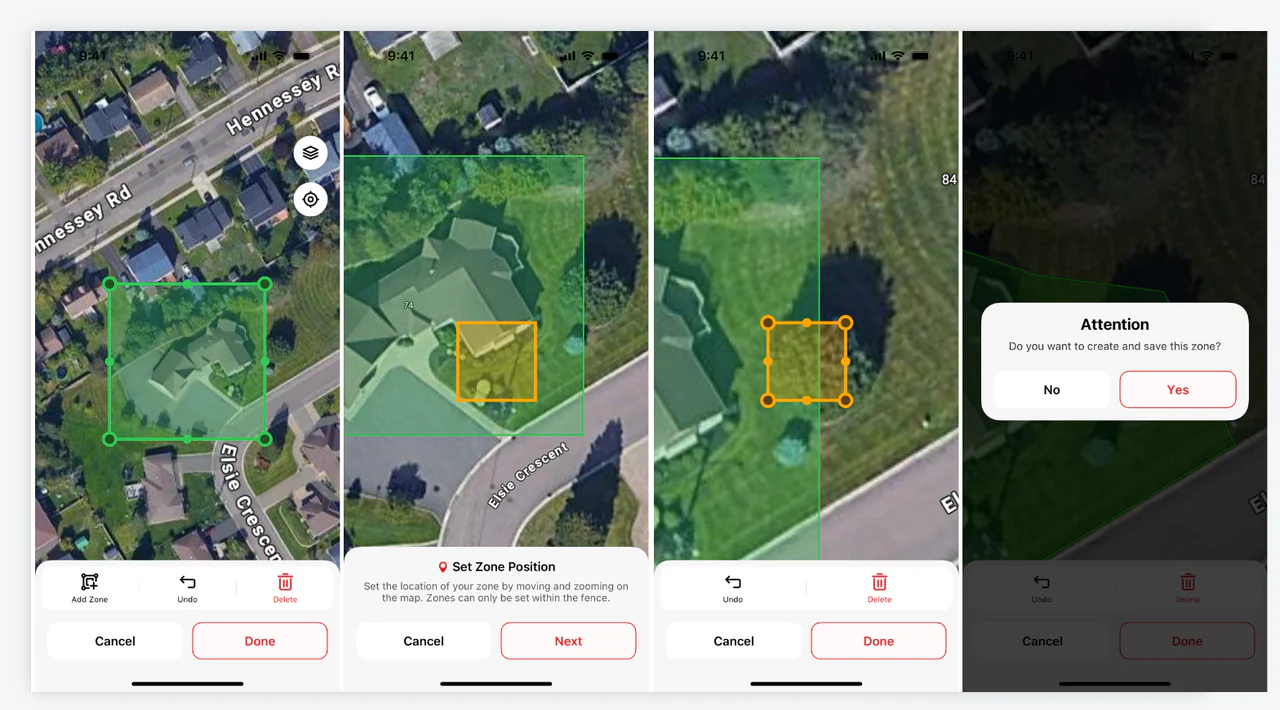
Set up safe and danger zones within any fence you create. Danger zones trigger the feedback you've set, keeping your dog safe within designated boundaries.
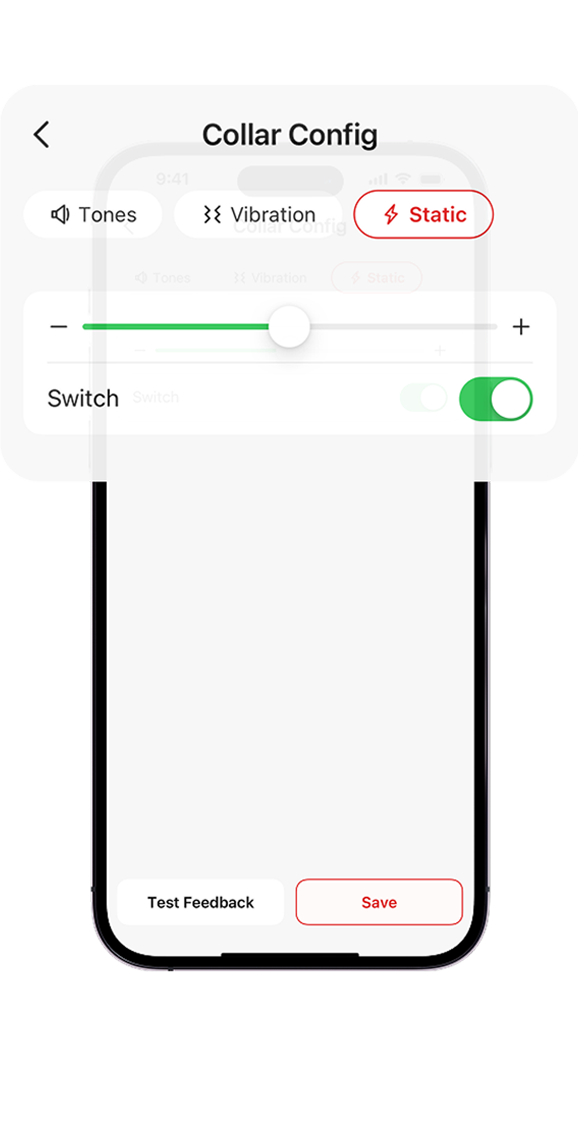
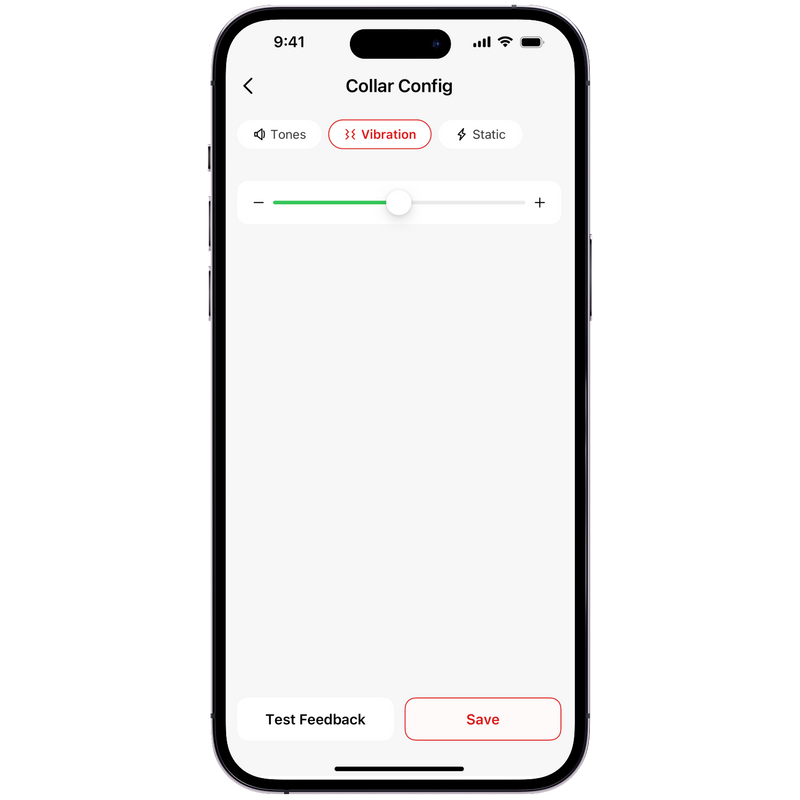
Choose the feedback type and intensity for your dog to make it easier to adapt to the fence. Every setting is optional, allowing you to choose the one that fits your needs best.
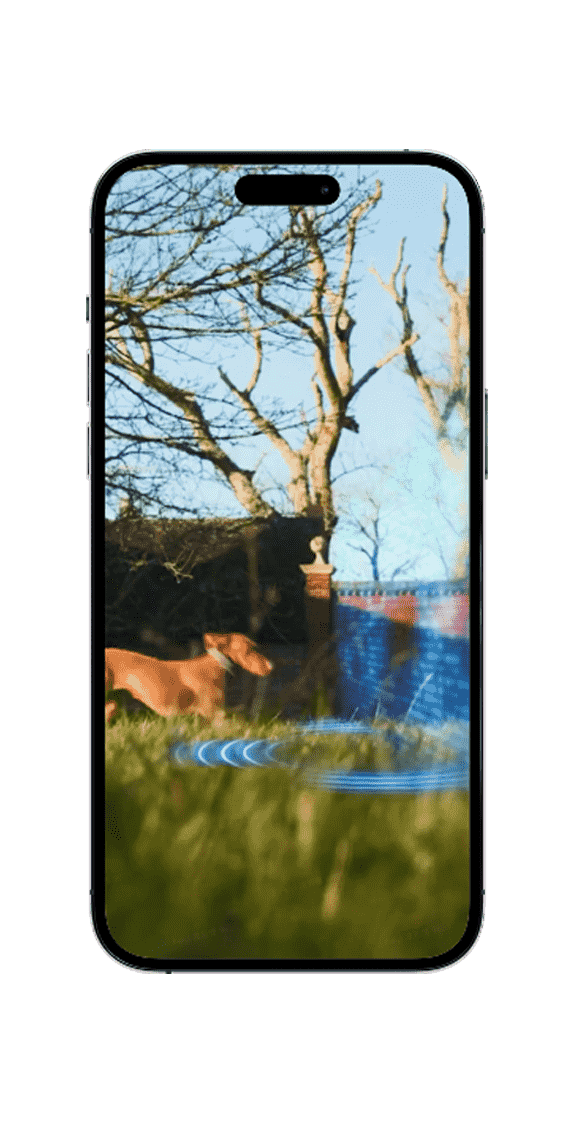
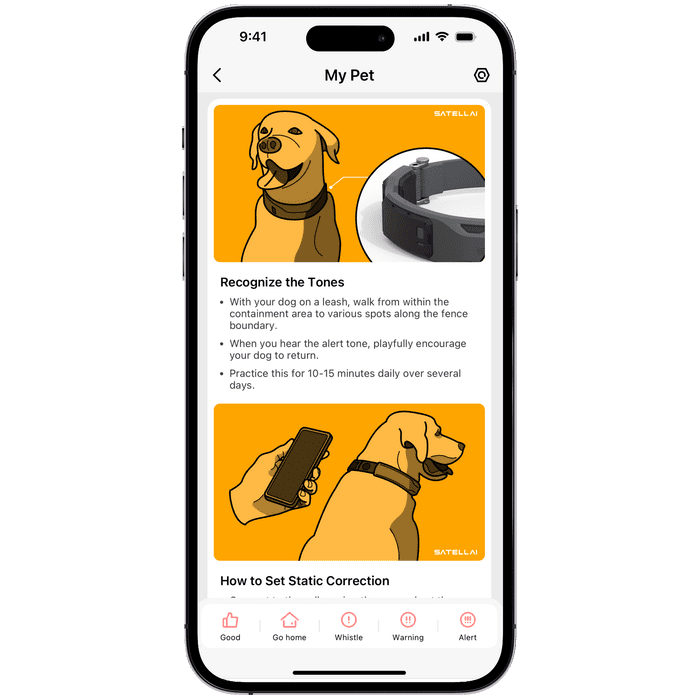
Teach your dog to get familiar with the boundaries and respond appropriately to feedback from the collar, so they learn to stay within the designated safe zone.
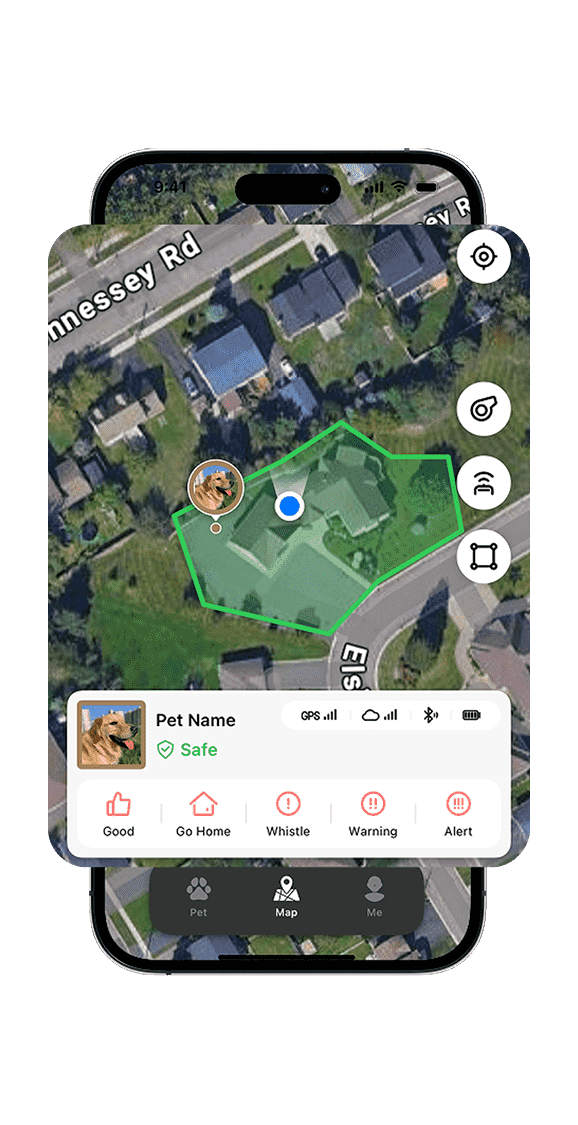
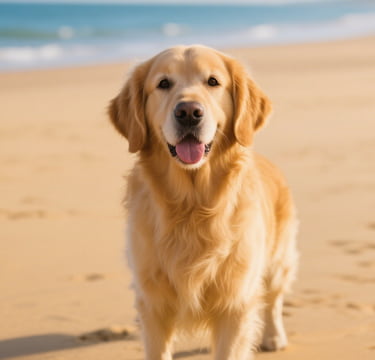
After two weeks of training, your dog will be familiar with the boundaries and respond appropriately to feedback from the collar, allowing them to move freely within the set boundaries.
Finally found a collar that isn't bulky and actually fits my 50lb pointer perfectly. Most collars we tried were either too big or uncomfortable. My dog adjusted to PETVORA within two days, and the in-app training plan made the process smooth and effective.
Try the app to unlock GPS tracking, smart training, activity insights, and more - all in one powerful tool.
FAQs
A dog GPS fence collar is a smart wearable device that helps keep your dog within a safe area without the need for a physical fence, like PetVora. It connects to an app so you can track your dog's location in real time. PetVora uses GPS technology to create virtual boundaries, known as geofences. After a training period, your dog can learn to recognize these boundaries. When your dog approaches or crosses them, the collar sends warning signals, such as tone, vibration, or gentle static correction to guide them back inside the safe zone. PetVora provides a flexible, humane way to keep your dog safe off-leash, giving both you and your pet more freedom and peace of mind.
Yes, it is safe for your dog to wear a smart collar when used properly. The PetVora Collar is designed with your pet's comfort and safety in mind. It is typically lightweight, adjustable, and the strap is made of food-grade silicone material.
Yes. The cellular signal is required to use the PetVora Collar. Please make sure there is a stable 4G signal in your area for proper functionality.
It may take about 10 mins to set up the PetVora Collar. • Measure your dog's neck with a tape measure or by using a string along with a ruler. Please make sure to leave room for 2 fingers to fit between your dog's neck and the collar. • Download the PetVora app and register or login to your account. • Add your pet's info, including three photos, breed, birthday, and gender.
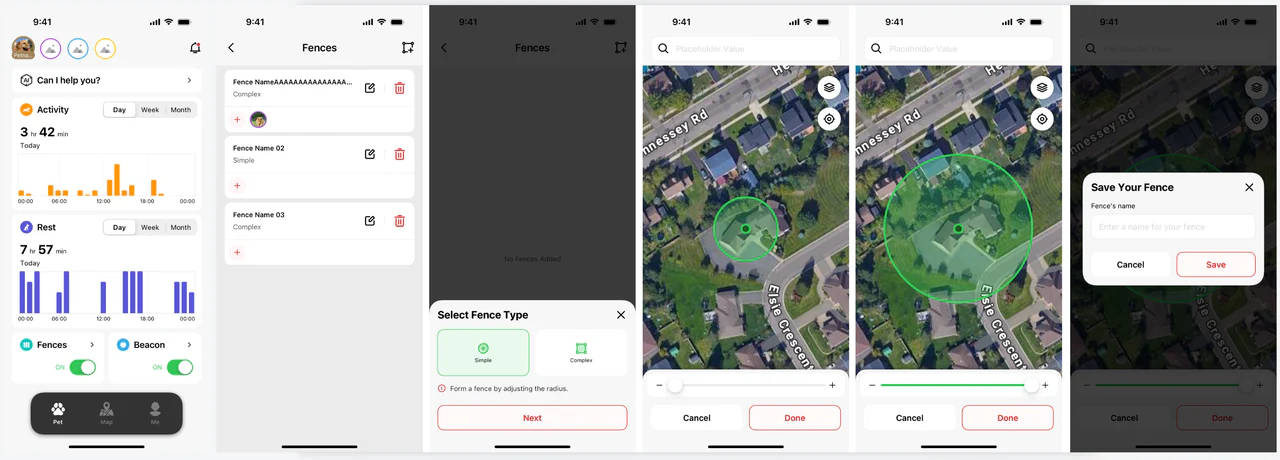
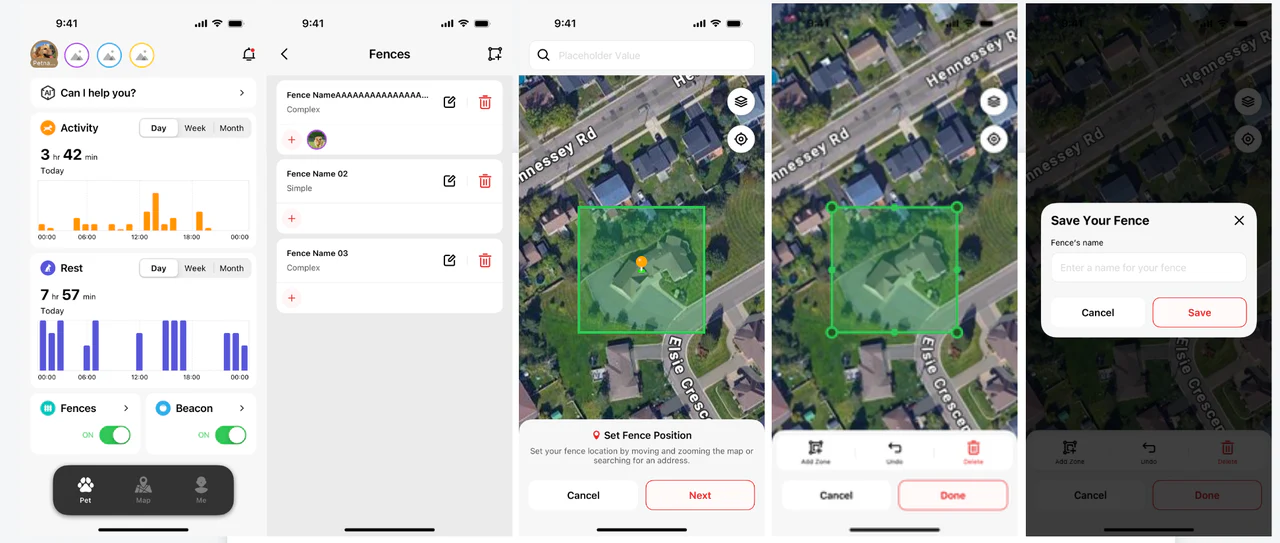
You can set up the GPS fences for your dog via the PetVora app on your phone. • Press the "Fence" tab on the "Pet" page in the PetVora App. • Choose "Add Fence". • Choose the fence set-up method you prefer: simple fence or complex fence.
Simple Fence: A simple fence lets you create an adjustable circular boundary, initially centered around your mobile device, which can be repositioned and resized. You can easily set the fence location by moving and zooming on the map or by searching for an address. After establishing the size and position of your fence, just press the "Done" button and then enter a name for it in the pop-up box. Once you press the "Save" button, your new fence is locked in. From here, you can find it on the list of fences and you'll be able to turn it on.
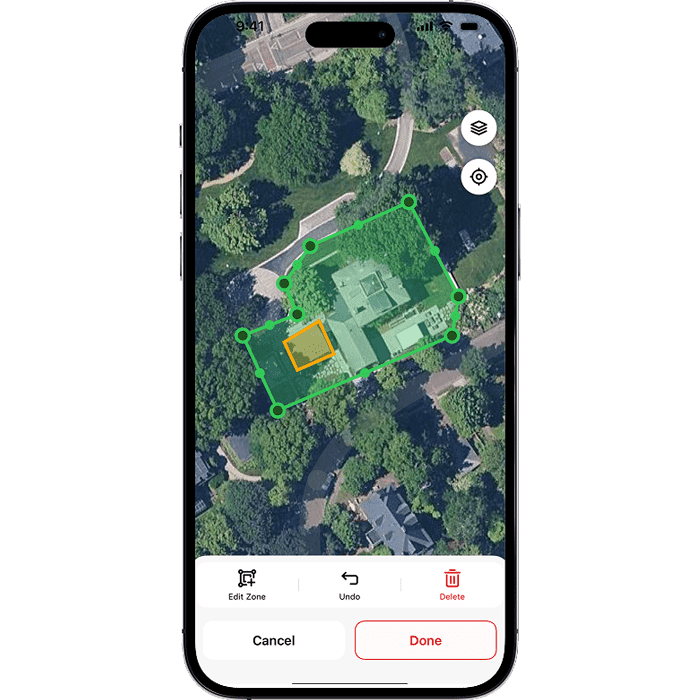
Complex Fence: You can set your fence by moving and zooming the map. Once it's in position, tap "Done" to adjust the fence shape by dragging existing posts. To save it, tap "Done" again, enter a name for the fence, and press "Save."
Select the "Add Zone" option to create a new, initially square-shaped area within the original fence. This no-go zone helps prevent your dog from approaching areas you'd like them to avoid.
There are three alert types: tone, vibration, and static correction. You can customize the alert types on your PETVORA collar through the app by following these steps: • On the "Me" page, tap "collar settings". You can set the correction functions for the fence, the beacon, and remote feedback (which is listed in the app under "Others"). • You can adjust the tone volume, vibration intensity, or enable static correction in the following three situations to alert your pet.
The static correction is a mild, harmless electric stimulation delivered by a collar to attract your dog's immediate attention. It doesn't hurt your dog and it is optional. If you want to use static correction, you need to install the two sets of static contact points in the box.
When your dog gets within 16 to 17 feet (5 meters) of the boundary, the PetVora Collar will deliver a correction and you'll receive a notification. If your dog goes outside of the fence and stays within 110 yards of it (100 meters), it will receive continuous correction after going through the boundary and you'll receive a single notification.
The PetVora Collar uses GNSS (GPS) petvoras for positioning and LTE-M cellular connectivity for data syncing and real-time updates to your app (location updates, alerts, history, etc.). If your area has weak LTE coverage, the collar may still get GPS position, but app updates and alerts can be delayed or less reliable. For best results, we recommend using it in areas with stable LTE coverage. Note: The PetVora Collar is designed primarily for outdoor use with LTE connectivity. Wi-Fi is not a direct replacement for LTE for real-time outdoor tracking and alerts. If LTE is very weak in your area, the overall experience may be limited.
Battery life depends on usage (tracking frequency), GPS/GNSS conditions (trees/buildings), and network strength. Weak LTE or heavy obstruction may increase power consumption. PetVora Collar: Up to 120 hours (5 days) on a single charge, and it can fully charge in about 2 hours (fast charging).
Important (Power-Saving Mode): If Power-Saving mode is NOT enabled, typical battery life is expected to be around 2-3 days (depending on signal quality, tracking frequency, and whether the collar is triggering frequent fence events/alerts).