For modern pet owners, a GPS dog fence offers an incredible blend of freedom and safety without the need for digging wires. However, technology is rarely perfect right out of the box. To get the best performance, you must account for a phenomenon known as "drift." By understanding how GPS signals behave and designing your boundary with a strategic buffer zone, you can eliminate false corrections and keep your pet secure. This guide covers the essential best practices for creating a stable, "zero-drift" experience for your dog.
What Is GPS Drift and Why Is It a Factor?
Before setting up your system, it is important to understand that minor fluctuations are inherent to all Global Positioning System technologies. Whether it is the navigation in your car or the collar on your dog, GPS coordinates can shift slightly due to atmospheric conditions or satellite positions.
A Simple Explanation of How a GPS Dog Fence Works
A GPS dog fence functions by communicating with a network of satellites orbiting the Earth. The GPS collar receives time-stamped signals from these satellites to calculate its precise location on the ground. When the collar detects that it is approaching the virtual perimeter you established, it triggers a warning or correction. Unlike traditional wired fences that rely on a buried radio signal, the GPS boundary is dynamic and relies on a clear view of the sky.
Why Small Signal Shifts Can Affect Your Boundary Line
"Drift" occurs when the calculated position shifts by a few feet, even if the GPS collar is stationary. Factors like heavy cloud cover, solar activity, or signal reflections can cause the reported location to "drift" slightly from the actual location. If you draw your boundary line too close to the actual physical edge of your property, this natural drift could accidentally place your dog in the warning zone while they are safely sleeping on the porch. Managing this drift is the key to a successful setup.
The Buffer Zone Is Your Key to a More Reliable Boundary
The most effective way to counteract GPS drift is to implement a buffer zone. Think of this as a safety margin that absorbs the minor technological fluctuations so they do not impact your dog's training or safety.
Defining the "Safe Zone," "Buffer Zone," and "Boundary Edge"
To design a stable system, you must visualize three distinct areas. The "Safe Zone" is the center of the property where your dog has total freedom. The "Boundary Edge" is the absolute limit-the point where correction occurs.
Between these two lies the "Buffer Zone" (often called the warning zone). This is the area where the collar will beep or vibrate to alert the dog that they are getting too close. A generous buffer zone is essential because it accounts for signal lag and drift, ensuring the dog receives a warning long before they reach the physical danger.
How a Buffer Prevents Unnecessary Corrections from Minor Drift
If your system has a natural drift of 3 to 5 feet, and you set a buffer zone of only 2 feet, you risk false corrections. The collar might think the dog has crossed the line when they haven't.
By widening the buffer zone to 10 or 15 feet, you create a cushion. Even if the GPS signal drifts slightly, the "shifted" location remains within the buffer or safe zone, preventing the dog from receiving a shock unexpectedly. This consistency is vital for your dog to learn the boundaries without fear or confusion.
How to Map Your Property for Maximum Fence Stability
Setting up your GPS dog fence is not just about tracing your property line on a map app. It requires a strategic approach that prioritizes the stability of the signal over maximizing every inch of yard space.
Step 1: Identify Your True Property Lines and Hazards
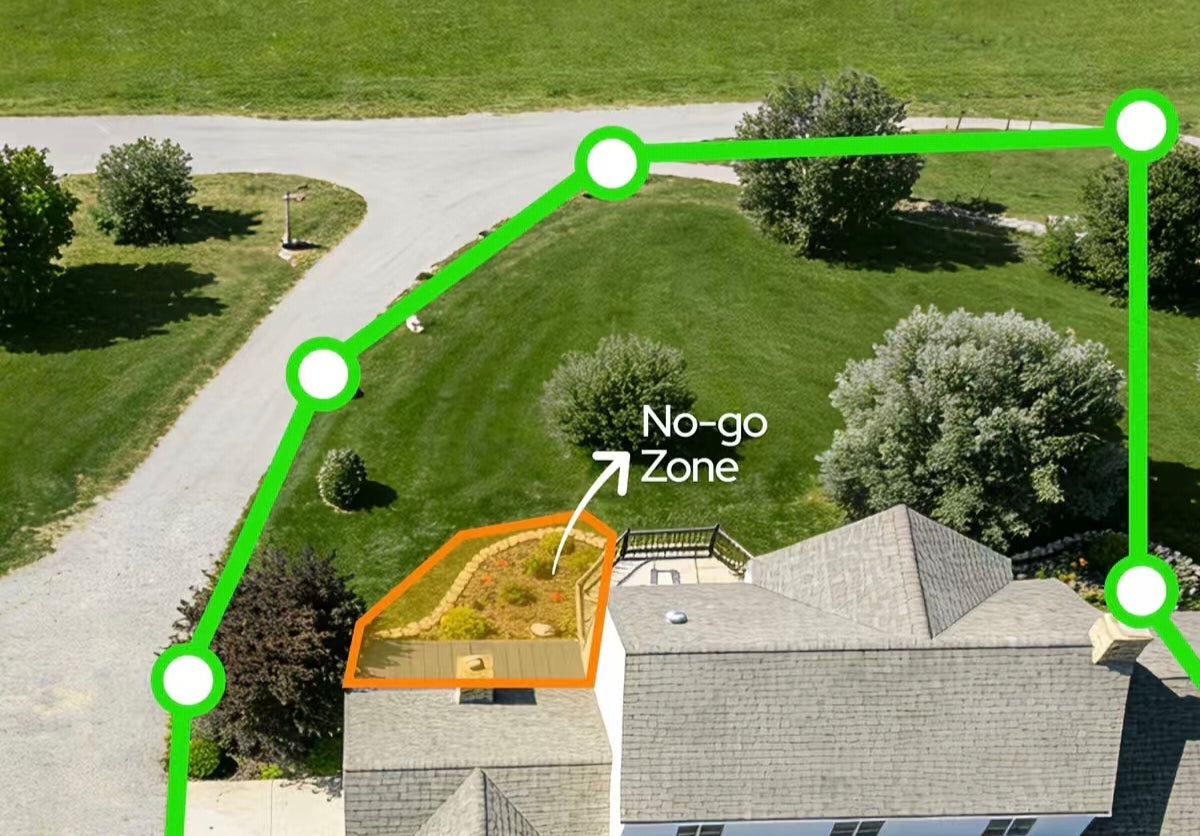
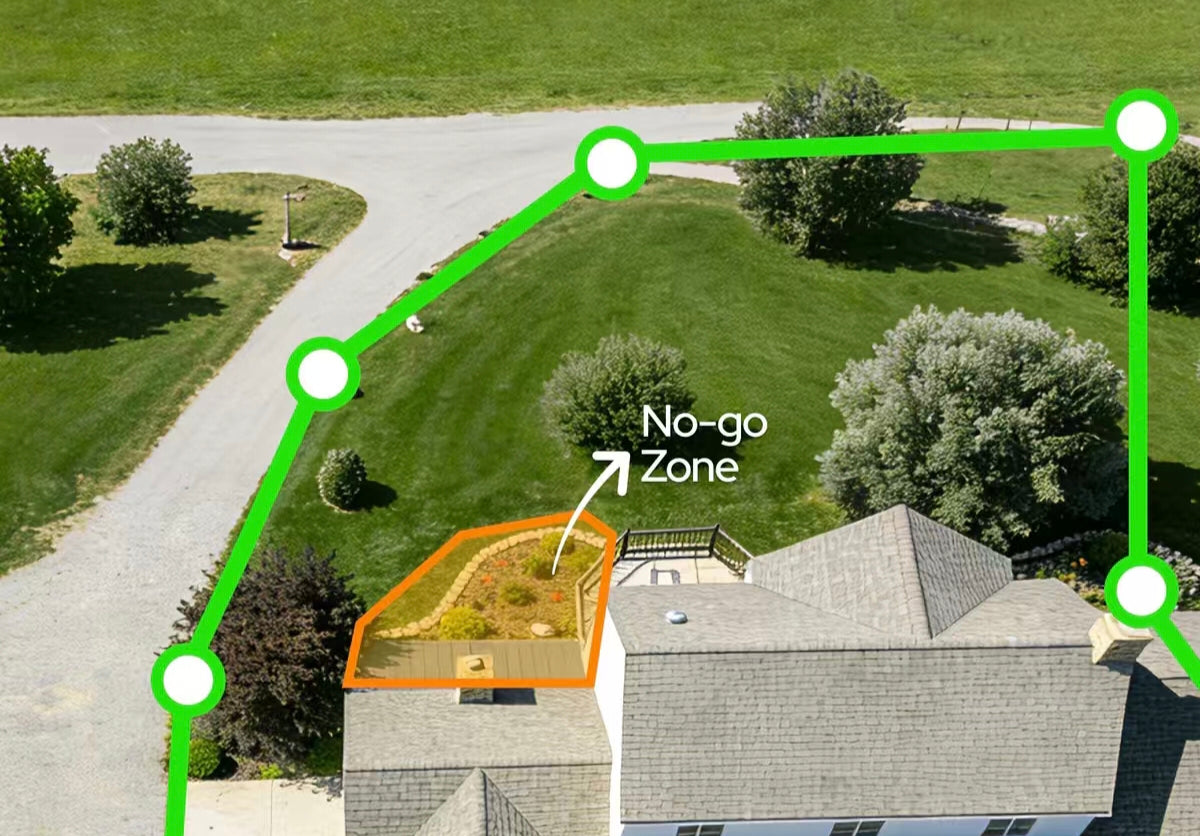
Walk your property and identify the hard limits. These are the "no-go" zones, such as a busy road, a neighbor’s driveway, or a dense patch of thorny bushes. You should also identify areas that might interfere with GPS signals, such as the immediate footprint of your house or a large metal shed. Understanding where the physical hazards are helps you determine where the virtual line should be.
Step 2: Draw Your Virtual Fence Well Inside These Lines
The golden rule of zero-drift design is to draw your virtual boundary at least 10 to 15 feet inside your actual property line. If your lawn ends at the sidewalk, do not place the GPS line on the sidewalk. Place it 10 feet back into the grass.
This "physical setback" works in tandem with your digital buffer zone. It ensures that even on a day with poor satellite reception, the drift will not push the boundary out into the street. It keeps the dog contained safely on your grass, regardless of minor signal errors.
Find the Right Size for Your Buffer Zone
There is no "one size fits all" setting for buffer zones. The ideal width depends heavily on your specific environment and the layout of your home.
Why Urban and Wooded Areas Benefit from a Wider Buffer
In open fields, GPS signals are usually strong and consistent. However, if you live in an urban area with tall buildings or a property with dense tree canopies, you may experience "multipath" errors. This happens when signals bounce off structures before hitting the GPS collar.
In these environments, drift can be more pronounced. To compensate, you should increase the width of your warning zone. A wider buffer ensures that the signal variance is absorbed, maintaining a reliable correction point despite the challenging terrain.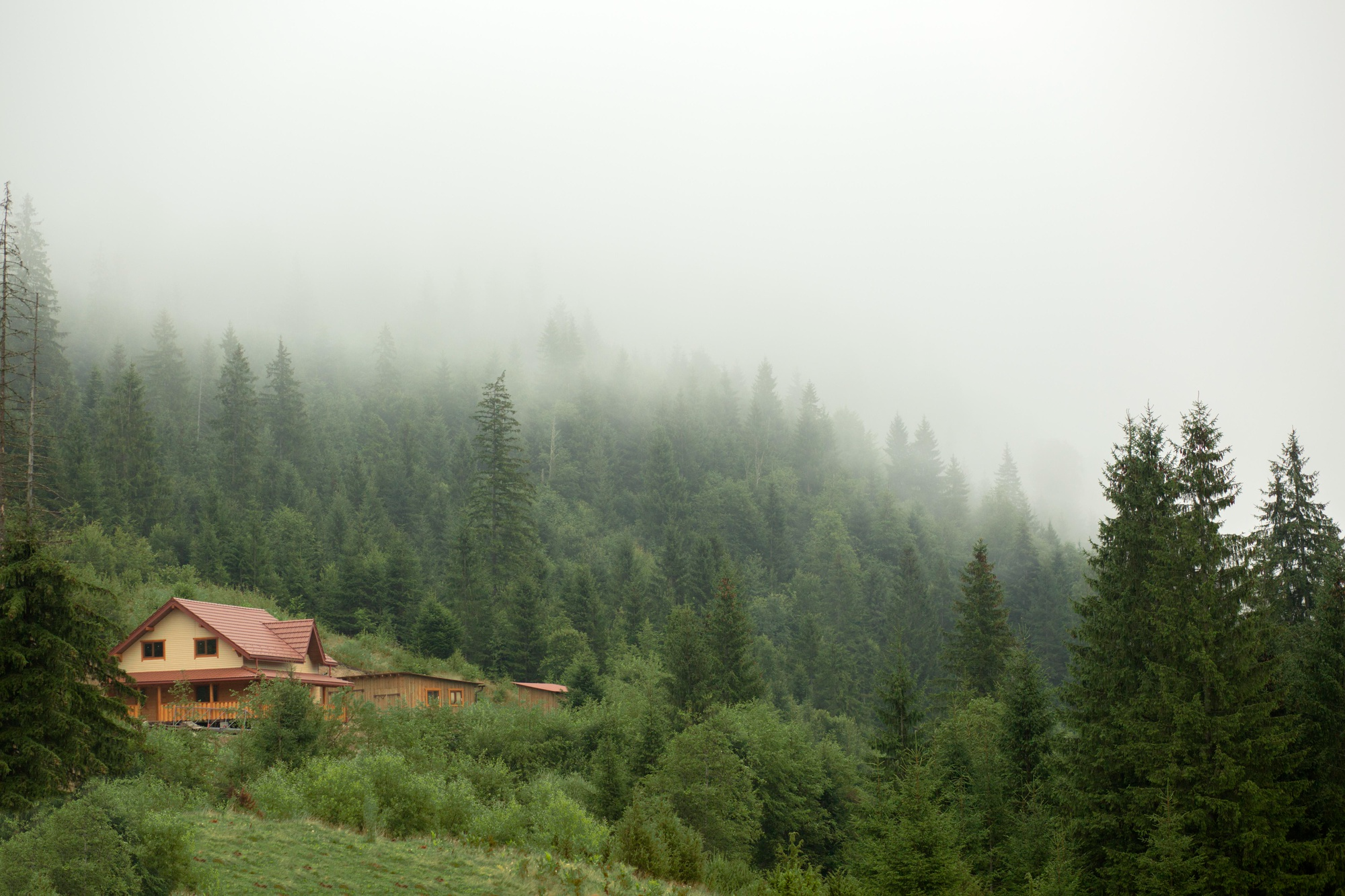
Adjusting the Buffer Based on Proximity to Roads or Dangers
The stakes are higher when your property borders a highway or a steep drop-off. In these high-risk areas, a wider buffer is non-negotiable. You want the warning to trigger early-perhaps 20 feet from the danger-giving the dog ample time to turn around.
Conversely, if the boundary borders a safe area, like a neighbor’s open field where you have permission for the dog to roam occasionally, you can afford a slightly tighter buffer. Always prioritize safety over yard space near hazards.
Advanced Tips for a Near Zero-Drift GPS Dog Fence
Once the basic layout is determined, you can fine-tune the shape of your boundary to further enhance stability. The geometry of your fence plays a surprising role in how the GPS collar processes location.